Monopoly Go!
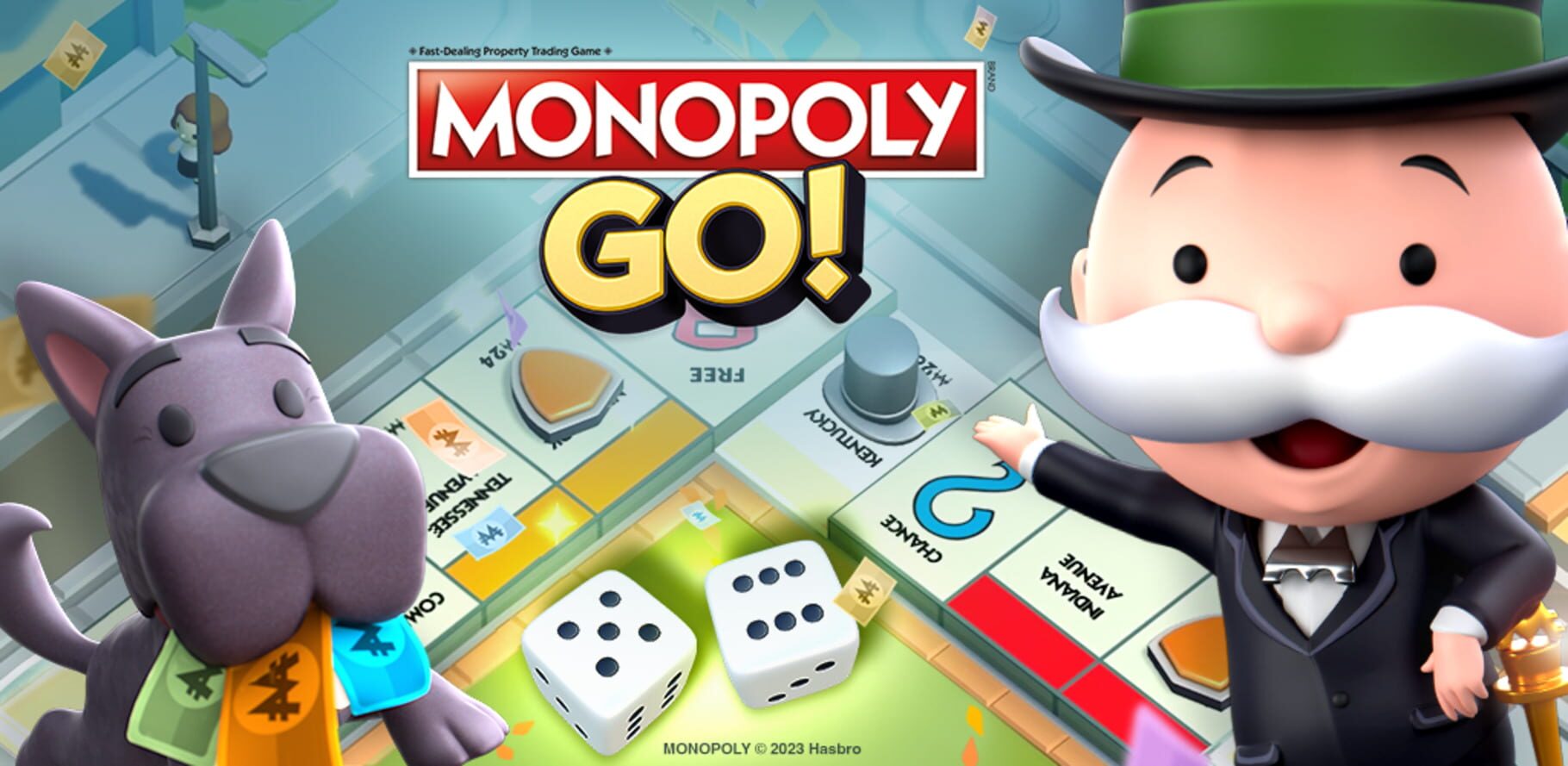
Monopoly Go! is a Card & Board Game game released Apr 11, 2023 for iOS and Android.
Where to play: Monopoly Go! is available on App Store and Google Play. Use the store links above to grab it on your platform of choice.
Grab it here
Official store pagesThe lore
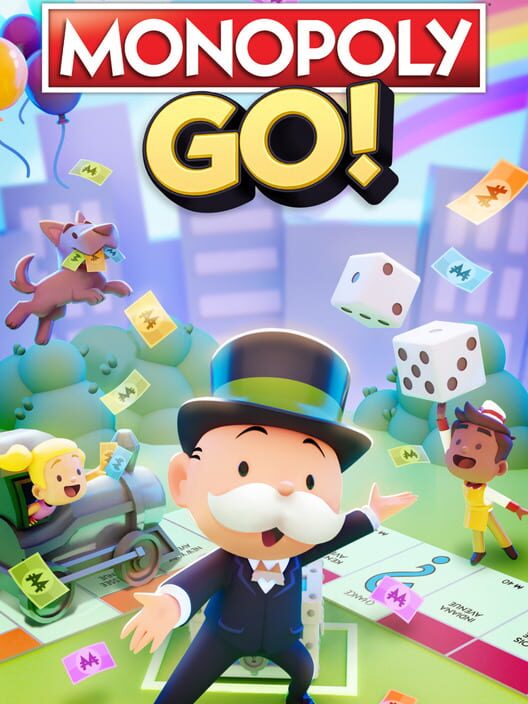
Become rich beyond your wildest dreams in this newly reimagined version of Monopoly! Let everyone’s favorite billionaire, Mr. Monopoly, be your guide as you explore new boards themed after world-famous cities, fantastical lands, and more.
The feed
Be the first to postBug & feature board
10 issues loggedSecurity and Fair Play Warning
Why am I seeing this warning? WARNING For security and fair play reasons, this device or app version can’t be used to play. To get back into the game, please visit our support page to learn which devices are supported, why access may be blocked, and how to restore your session. Why this can happen You may see this warning if: Google Play is disabled or unavailable on your device. (for Android devices only) The game app was not installed from an official app store. The app version on your device could not be verified as legitimate. You are using an emulator, Android virtual machine, rooted device, or other unsupported device setup. You are using third-party software that changes how the game works, including mods, hacks, automation tools, or similar software. Some players may see this message while trying to play on an emulator or other non-standard device setup. Even if you are not trying to modify gameplay, these environments are not supported because they can affect account security, game integrity, and fair play. How to get back into the game To restore access, please try the following steps: For All Devices: Use a supported mobile device that is not rooted and is not running an emulator or virtual machine. (if Android) Ensure Google Play i… [Official MONOPOLY GO! help center — Fair & Safe Play]
Account Recovery
Q: How do I recover my lost Monopoly GO! account? A: You can request an account recovery directly through the app! Just follow these quick steps: Open the Monopoly GO! app. Tap the ☰ menu icon at the top right corner. Go to Settings and select Customer Service . Tap the 💬 chat bubble icon at the top right to contact our support team. Q: Will I lose my current game progress if I recover an old account? A: Yes, recovering your desired account will overwrite the data of the account you are currently using to contact us. Q: How can I save my current account before recovering my old one? A: If you don't want to lose your current progress, we highly recommend connecting it to your Facebook, Google, or Apple account before starting the recovery process. Once connected, you can safely access that account later on another device! Q: Can I have more than one Monopoly GO! account on my device? A: To ensure a fair and stable experience for everyone, our Terms of Service specify that players should only maintain one account per device. Q: Why is it restricted to one account per device? A: The game is optimized to save one set of data per device. Attempting to manage multiple accounts on a single device can lead to technical "sync"… [Official MONOPOLY GO! help center — Account]
Tycoon Club Refunds (Xsolla)
Please get in touch with our support team using the in-game Customer Service feature or via the chat icon at the bottom of the article. When contacting support, please provide a screenshot of your purchase receipt to assist with your request. To find your receipt, simply follow these steps: 1. Visit http://www.babka.com/ and sign in with your Xsolla/Babka account 2. Tap "Purchases" (located on the left side of the screen) 3. Select your order to see the receipt. Please make sure the transaction number is visible! (it starts with the number "2"). Note: You can also check your email for the receipt from Xsolla, which includes the transaction details. [Official MONOPOLY GO! help center — Purchase & Refunds]
Refunds (iOS)
Since we can't process refunds for in-app purchases made via Apple, please follow the steps below to get a refund for your purchase: Navigate to https://reportaproblem.apple.com/ and sign in with your Apple ID. Select “Report a Problem” next to the purchase you want to get a refund for. Select the reason for the refund. Submit your request. [Official MONOPOLY GO! help center — Purchase & Refunds]
Purchase Issues (iOS)
If you are receiving a purchase issue error, please check the following: Parental Controls / Restrictions activated: How to check: 1. Go to your settings and look for the Screen Time tab. 2. Scroll down and check for the Contents & Privacy Restrictions. 3. Click the iTunes & App Store Purchases 4. Make sure that the In-app Purchases is set on "Allow" Please also check your card details or expiration date [Official MONOPOLY GO! help center — Purchase & Refunds]
Purchase Issues (Android)
If you encounter purchase issues, please make sure to follow the steps in the following articles: How to update the Play Store & apps on Android Keep your device and apps working with Google Play services [Official MONOPOLY GO! help center — Purchase & Refunds]
Missing or Delayed Rewards
Q: Why hasn’t my reward showed up yet? A: Don't worry! While most rewards are delivered instantly, there can occasionally be a slight delay in distribution, especially right after an event or tournament concludes. Q: What should I do to get my reward? A: Often, the game just needs a quick "nudge" to sync up. Try these steps: Restart your device: Completely closing the app and restarting your phone or tablet is the best way to refresh your connection. Wait a little longer: Rest assured that all rewards are scheduled for distribution within the same day the event ends. Q: What if it’s been more than 24 hours? A: If a full day has passed and your rewards still haven't arrived, our support team is here to help! Reach out to us so we can look into it for you. [Official MONOPOLY GO! help center — Tech Issues]
Monopoly Go! Device Requirements and Troubleshooting steps
Android Minimum requirements: Android 8.1.0 RAM 3 GB, CPU Quad-core 1.4 GHz or equivalent (e.g., ARM Cortex-A53) GPU Adreno 505 or equivalent, Screen resolution 250 PPI Recommended requirements: Android 10 or higher RAM 4 GB, CPU Octa-core 1.8 GHz or higher (e.g., ARM Cortex-A73 and above) GPU Adreno 506 or higher (or Mali-G72 and above), Screen resolution 300 PPI or higher Troubleshooting steps for Android devices: Force closing the App Restarting the Game Restarting the Device Closing other Apps while playing the game Updating to the latest Game Version (if available) Updating to the latest Android OS version (if available) Ensure that the battery percentage is above 20% for a smoother game experience Clearing "Cache" for Android Devices: device Settings > Apps & Notifications (or Apps) > Search for Monopoly GO > Tap Clear Cache. iOS Minimum requirements: iOS 13.0 RAM 2 GB, CPU Apple A9 GPU PowerVR GT7600 or equivalent, Screen resolution 326 PPI Recommended requirements: iOS 14 or higher RAM 2 GB, CPU Apple A10 Fusion or higher GPU Apple A11 Bionic or newer, Screen resolution 401 PPI or higher Troubleshooting steps for IOS devices: Force closing the App Restarting the Game Restarting the Device… [Official MONOPOLY GO! help center — Account]
Missing or Accidental Purchases
Q: Why didn't I receive the item I just purchased? A: While most orders are delivered instantly, occasional network delays can happen. Don't worry! There’s no need to redo the purchase, your items are safe and should arrive in your account very soon. Q: What steps can I take if my purchase still hasn't arrived? A: Try these quick troubleshooting steps to prompt your delivery: Update the app: Head to your device's app store and make sure you have the newest version of Monopoly GO! downloaded. Restart the game: Completely close and reopen the app to force a refresh. Check your payment method: Verify with your bank or app store to ensure the payment successfully went through. If your items still haven't appeared, we're here to help! Here’s how to contact us: Open the Monopoly GO! app. Tap the ☰ menu icon at the top right corner. Go to Settings and select Customer Service . Tap the 💬 chat bubble icon at the top right to contact our support team. Q: I got an error when I tried to make a purchase. A: Reach out to us by following instructions above so we can check what happened. Q: Someone else made an in-app purchase with my account! A: All transactions, whether deliberate or accidental, are handled directly by the payment pl… [Official MONOPOLY GO! help center — Purchase & Refunds]
My account is suspended
Q: I got a pop-up message saying my account is suspended? A: If you have found this page while unable to access Monopoly GO, then this indicates that a Suspension or Ban has been placed on your account due to a violation of our Terms of Service . A Ban results in the permanent removal of access to the game, whereas a Suspension is temporary. Q: What behavior results in this action? A: Here are some behaviors that may result in a Suspension or Ban. This list is not all-inclusive, and we reserve the right to take action for behaviors not shown on this page. Exploitation of in-game features or systems Cheating Usage of third-party software that alters game functionalities (“Mods” or “Hacks”) Usage of gameplay automation services or scripts Fraudulent behavior Account sharing Q: What can I do now? A: There are extremely rare cases where the suspension might have been triggered in error, and you can contact us to review the case in detail, but if you have done anything that might even accidentally violate the Terms of Service, the suspension will not be lifted. Ensure you are using a legitimate operating system on your device, Android or iOS, and have your store properly enabled, only use the original app from the Android or Apple store and d… [Official MONOPOLY GO! help center — Fair & Safe Play]
FAQ
Quick answers about Monopoly Go!What platforms is Monopoly Go! on?
Monopoly Go! is available on iOS and Android.
When was Monopoly Go! released?
Monopoly Go! was released on Apr 11, 2023.
Where can I play Monopoly Go!?
You can get Monopoly Go! on App Store and Google Play. The store links on this page point to the official pages.
How is Monopoly Go! rated?
Monopoly Go! holds a player score of 43/100 (4.3/10) from 13 ratings.