Marvel Snap
Marvel Snap is a Card & Board Game and Strategy game released Oct 18, 2022 for PC, iOS and Android.
Where to play: Marvel Snap is available on Steam, App Store and Google Play. Use the store links above to grab it on your platform of choice.
Grab it here
Official store pagesThe lore
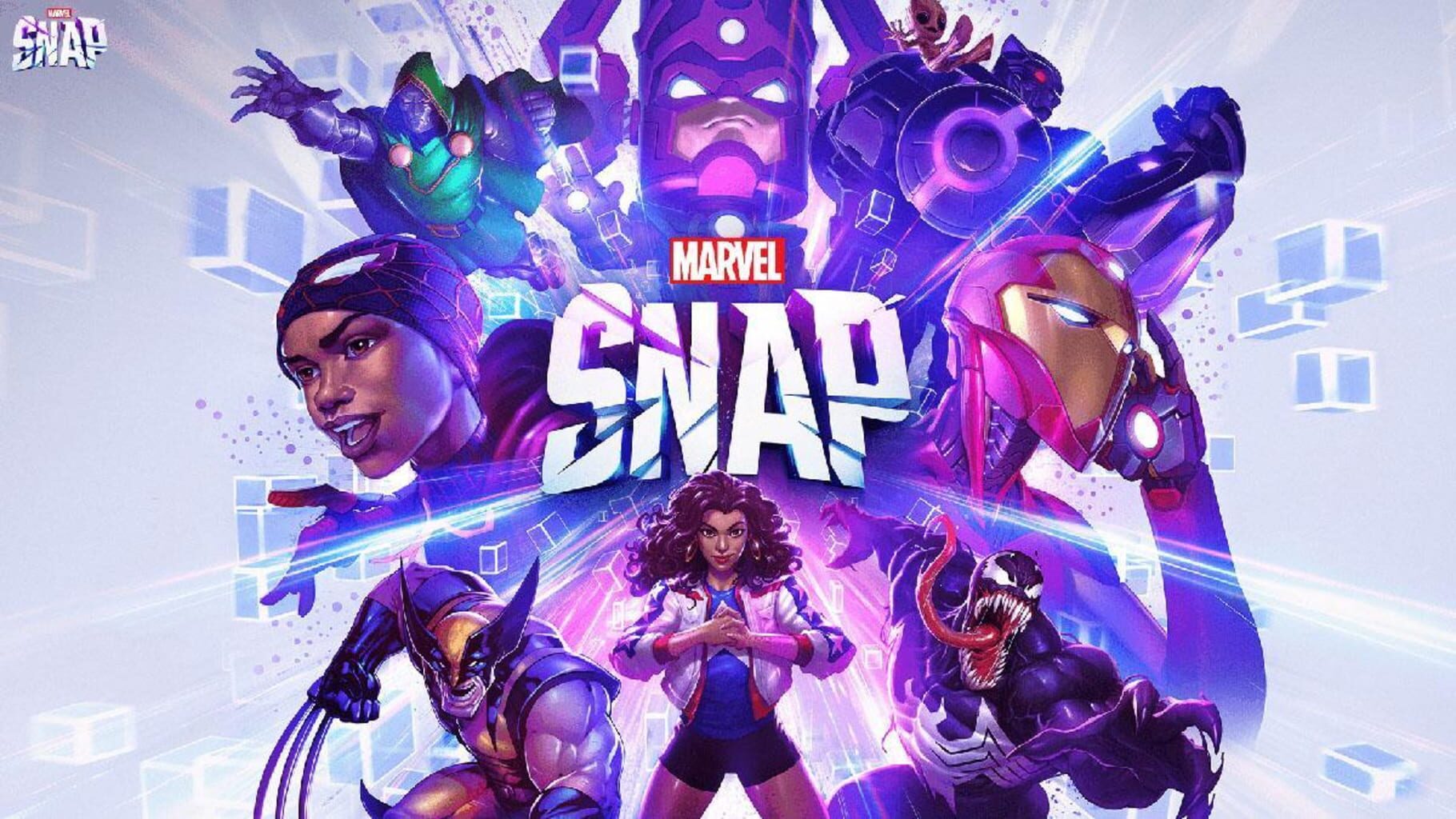
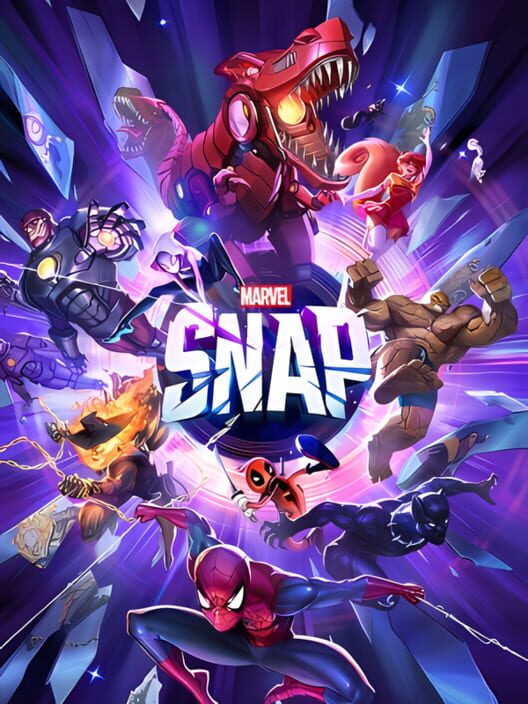
Marvel Snap: The fastest card battler in the multiverse! Build your Marvel dream team in this fast-paced, action-packed, collectible card game available on Mobile and PC.
The feed
Be the first to postBug & feature board
27 issues loggedCan't play games after updating the latest version
Can't play games after updating the latest version — MARVEL SNAP Help Center Please ensure your game has been updated to the latest version. If you have already completed the update and continue to encounter similar problems, you can try the following methods: Close all background applications except MARVEL SNAP. Try other network connections. Restart your device. If you still cannot play the game after a device restart and securing a stable connection, clear the game cache, then uninstall and reinstall the app. (Official Marvel Snap Helpshift Known Issues)
Update on Conditional "Special Offer" New Card Bundles
Update on Conditional "Special Offer" New Card Bundles — MARVEL SNAP Help Center Recently, we began testing "re-run" offers for these Special Offer bundles to players a few weeks after their original run. After testing these bundles, the team has committed to continue re-running the conditional "Special Offer" new card Variant bundles and making them available to ALL players who missed the original offer or skipped the card at launch. This offer will be available on the Web Shop only and will be available to all players, whether they own the base card or not. We're also updating the in-app (first run) conditional bundle from $19.99 to $29.99 while adding 5000 Credits. The goal is to create a clearer choice: players seeking the best value should purchase early, while the re-run remains a strong option for players who missed the initial window. These changes have begun today starting with Ozymandias. Bundle Designs: In-App "Special Offer" Bundle: $29.99: New Card Variant + 5000 Credits + 465 Boosters + 1 PMBorder Best value option for players who purchase the card the week it releases Available in-app and on Web Shop once new card is acquired. Web Shop "Special Offer" Bundle Re-run: $49.99: New Card Variant + 8000 Credits + 465 Boosters + 1 White Fire Border Available to ALL players who missed the initial offer and still want a strong catch-up bundle. Will go live about 1 month after their initial launch. Timing varies due to 4 vs 5 week seasons. *Note: prices may vary based o…
Abnormal game settlement.
Abnormal game settlement. — MARVEL SNAP Help Center If you are still on the settlement page, it is recommended that you click on the corresponding field or card to view the corresponding energy changes. If you still have questions about energy changes, please take a screenshot of the settlement page and contact our customer service for further assistance. (Official Marvel Snap Helpshift Known Issues)
UI Display abnormality
UI Display abnormality — MARVEL SNAP Help Center It appears that the issue you are experiencing could potentially be connected to network fluctuations or your device's performance. We kindly suggest trying the following steps: 1. Close all unnecessary running programs. 2. Try to switch to a different network, if available. 3. Restart the game. If the problem persists or it happens repeatedly, we encourage you to bring a screenshot of the relevant error interface to consult with our customer support. We will assist you in locating and resolving the issue. (Official Marvel Snap Helpshift Known Issues)
Matchmaking abnormal
Matchmaking abnormal — MARVEL SNAP Help Center It appears that the issue you are experiencing could potentially be connected to network fluctuations or your device's performance. We kindly suggest trying the following steps: 1. Close all unnecessary running programs. 2. Try to switch to a different network, if available. If the problem persists or it happens repeatedly, we encourage you to bring a screenshot of the relevant error interface to consult with our customer support. We will assist you in locating and resolving the issue. (Official Marvel Snap Helpshift Known Issues)
Screen abnormal on PC
Screen abnormal on PC — MARVEL SNAP Help Center We have noticed the PC problem and the issue is under trouble-shooting right now. In the meantime, please try the following steps to see if these will help you solve the problem: ① Please clear the computer background cache (make sure there is enough space to run the game) ② Restart the game If the problem still occurs frequently, please follow these steps to provide us with the Dxdiag log so that we can locate the problem: ① Press the Windows key + R. ② In the Run window, type dxdiag and press Enter. ③ In the DirectX Diagnostic Tool, click the Save all information button. Thank you for your support and cooepration! (Official Marvel Snap Helpshift Known Issues)
Card effect trigger anomalies
Card effect trigger anomalies — MARVEL SNAP Help Center If you're still in the match, try restarting it with a stable network connection to address any issues. Record or take a screenshot and contact customer service if needed. You may also use the Report a Bug button in the Settings menu. It will ask for a brief description of the issue and provide a string which you may copy and share with our player support team upon creating a ticket. (Official Marvel Snap Helpshift Known Issues)
Game lag
Game lag — MARVEL SNAP Help Center An unstable network is often the root cause of gameplay latency. We would like to suggest you check your network status and change to an alternative network if possible. You may also lower down the graphics quality if you are using an older phone model. If the issue persists, please don't hesitate to contact our dedicated customer service team. We will locate the problem based on the description you provided, to assist you in resolving this issue. Thank you. (Official Marvel Snap Helpshift Known Issues)
Abnormal Game Behavior
Abnormal Game Behavior — MARVEL SNAP Help Center Thank you for supporting MARVEL SNAP! If you encounter any issues with the game not running normally, we suggest : Ensure the game is updated to the latest version. Close other running programs. Connect or switch to a stable network. Restarting the game. If you need further assistance, don't hesitate to reach out to our customer service team. We are here to help you enjoy the game to its fullest! (Official Marvel Snap Helpshift Known Issues)
Game crashing
Game crashing — MARVEL SNAP Help Center We're sorry to hear you're experiencing this issue. It is recommended that you close other inactive programs or switch to a more stable network when playing the game. You may follow these steps as a fix if you already have your account linked. 1. Clear the game cache. 2. Uninstall the MARVEL SNAP app. 3. Reinstall the MARVEL SNAP app. 4. Log in using your linked account. If you encounter this problem repeatedly even after taking these actions, please contact customer service, and we will assist you as soon as possible. (Official Marvel Snap Helpshift Known Issues)
Unable to login
Unable to login — MARVEL SNAP Help Center Please ensure you update the game to the latest version which is 41.11.8. You will not be able to continue playing normally on an outadated version of the app. Once the game has been updated, kindly log in using your linked account. Reminder: Please download the game from the official channels and platform (iOS, Android, Steam). Android: https://play.google.com/store/search?q=marvel%20snap&c=apps&hl=en iOS: https://apps.apple.com/us/app/marvel-snap/id1592081003 (Official Marvel Snap Helpshift Known Issues)
Guest Account Issue
Guest Account Issue — MARVEL SNAP Help Center Starting June 10th, any players who are on guest accounts who have not logged in prior to June 9th will need to contact support to have their account re-linked. This is a fairly simple process and none of your progress will be lost. Please do not attempt to link your guest account on June 9th, and instead wait until after the patch goes live on the 10th and contact support for assistance (Official Marvel Snap Helpshift Known Issues)
Unintended cards in Seasonal Series 4 Packs and Daily Card rotations: Mercury and Hellion - June 3, 2025
Unintended cards in Seasonal Series 4 Packs and Daily Card rotations: Mercury and Hellion - June 3, 2025 — MARVEL SNAP Help Center Players who have not updated their game to the newest patch (v41) may be seeing two unintended cards in their Seasonal Series 4 Packs and Daily Card rotations: Mercury and Hellion. If a player purchases these cards and then updates their game, they will become ineligible to add to decks. While unintended, our plan now is to add them to Seasonal Series 4 Packs for ALL players as soon as we can. Thank you for your patience! (Official Marvel Snap Helpshift Known Issues)
Web Shop Milestone Track Temporarily Disabled
Web Shop Milestone Track Temporarily Disabled — MARVEL SNAP Help Center Starting June 3rd the Marvel SNAP web shop milestone track feature will be temporarily shut off as we prepare for the launch of a new web shop on June 10th. Any purchases made during this time will complete as normal but will not count towards milestone progress. To make up for this lost progression time we are making the milestone awards for the next month easier to achieve. Current season track will be disabled by June 3, 2025. (Official Marvel Snap Helpshift Known Issues)
Samsung MARVEL SNAP End of Support
Samsung MARVEL SNAP End of Support — MARVEL SNAP Help Center Starting June 3rd the Samsung version of Marvel SNAP will no longer be supported. Please reinstall Marvel SNAP on the Google Play store with the following link: MARVEL SNAP - Apps on Google Play . If you experience any issues with your account not transferring between Samsung and Google Play apps please contact the support team directly in-app or via email and we will re-link your account for you. (Official Marvel Snap Helpshift Known Issues)
Things to watch out for this June 10th
Things to watch out for this June 10th — MARVEL SNAP Help Center Players will need to update to the latest game version in order to make purchases on the web shop. Right now there may not be accurate messaging to describe the issue when players attempt a purchase. WHAT'S NEW? Bug/Note: There aren’t any new player-facing features in the new client, but all players must update by June 12. Player Message: "I didn’t notice anything new with this update—was something missed?" Second Dinner: Good question! This update (41.11) mostly includes behind-the-scenes improvements to help us roll out future features faster and more reliably. While you might not notice anything new right now, it’s important to update by June 12 to stay compatible with the latest systems and features. Thanks for staying up to date! Feature: New Web Shop & Launch Events Player Message: "What’s the new Web Shop all about?" Second Dinner: Welcome to the new Web Shop ! It’s a brand-new way to buy Season Passes, exclusive bundles, and earn bonus rewards through the Web Shop Milestone Track — plus we’ve launched with some amazing deals and gifts: Use code WEBLAUNCH to grab a FREE bundle (1 Premium Mystery Variant + 1 Premium Mystery Border) Claim 200 Credits daily during launch month Grab special Launch Bundles for bonus Gold, Credits, and more! Just sign in with your Apple or Google account — no payment info needed to redeem the free bundle! Head to shop.marvelsnap.com to check it out. If you have any concerns wi…
Web shop log in looping
Web shop log in looping — MARVEL SNAP Help Center If you are experiencing issues logging in to the new MARVEL SNAP web shop, you may follow these steps: Update the app to the latest game version (41.11.8). You may need to manually update the game by going to the official app stores. Android: https://play.google.com/store/search?q=marvel%20snap&c=apps&hl=en iOS: https://apps.apple.com/us/app/marvel-snap/id1592081003 Open the game to accept the updated privacy notice. Sign it to the game using your linked Apple or Google account. Go to the new web shop: https://shop.marvelsnap.com Log in using your linked account. Starting June 10th, head to the Web Shop to earn a FREE bundle using the code WEBLAUNCH Redeem for (1) Premium Mystery Variant & (1) Premium Mystery Border Just log in with your Apple or Google account (no payment info required) Valid for 28 days after launch (Official Marvel Snap Helpshift Known Issues)
Web Shop Track Missing
Web Shop Track Missing — MARVEL SNAP Help Center We understand that players are always excited to visit the web shop to explore new bundles and purchase the season pass every start of season. An issue we have recently identified is that some players are not seeing the reward track. Here is what you need to do: The new web shop requires a player to access the latest version of the game first to sync your game account. Make sure you are signed in and running the latest version of the game before visiting the web shop. If you are still not seeing the track or the shop updated, sign out and sign back in to the web shop and you should see the track and new bundles. Feel free to contact support if you encounter issues even after following the above fix. (Official Marvel Snap Helpshift Known Issues)
GRAND ARENA Known Issues
GRAND ARENA Known Issues — MARVEL SNAP Help Center Grand Arena may not show up until the client is restarted for some players on the event’s start date. Grand Arena’s assets may visibly reload and pop in upon reconnecting the game after a disconnect. The post match results screen may occasionally not display all reward assets earned. This is visual only. Tapping on individual rewards on the Grand Arena’s reward tracks may result in the wrong reward being displayed in the detail view. Grand Arena’s portal pull VFX may not be playing correctly when revealing cards. The champion banners that display at the top of the screen may be partially obscured by the camera notch of some devices. The Banned Card icon layers incorrectly with cards that are displaying their hover stateGrand Arena’s progression doobers may fly to the incorrect UI element. The Grand Arena shop’s claim animation may play at a slower speed than intended. There’s a momentary delay and a black screen when first tapping to edit a deck in Grand Arena. The Equip to All function when used in Grand Arena’s deck cosmetics will apply to Ranked decks as wellSome icons on the reward track may display smaller than intended. Border icons may slightly clip into the platter icon when scrolling through the Grand Arena shop. SFX timings can be delayed or fully skipped when cycling between champions. There is an edge case for new players where closing out of the initial tutorial match and immediately attempting to access Grand A…
Aw Snap Error, Team Filter Known Issues
Aw Snap Error, Team Filter Known Issues — MARVEL SNAP Help Center A small Patch was also released today on Steam only to address the following issues: An 'Aw Snap' error when upon 'Soft Quitting' (alt+tab, moving to another window) the game during a match Toggling the 'Team' filter on and off in landscape causes all cards to be filtered out of the collection (Official Marvel Snap Helpshift Known Issues)
Spider-Ham VFX Issue
Spider-Ham VFX Issue — MARVEL SNAP Help Center Spider-Ham had an issue where it was incorrectly turning its target into the "Pig" card. This was a relic of its previous functionality. In fixing this issue, it also turned off the animation which is not intentional. The team is working to restore the animation but keep its current functionality in a future release. (Official Marvel Snap Helpshift Known Issues)
March 10 OTA Longer load time
March 10 OTA Longer load time — MARVEL SNAP Help Center Players may experience longer load time during this March 10 OTA. This will only happen during the first load as the game updates. To avoid issues while the game updates, please follow these recommendations: Ensure the device has enough charge to avoid powering off while the update happens. Plug in device in case of insufficient battery charge. Turn off screen saver or auto off features of your device. Allow the device to update especially for those with older versions of the game prior to version 50.13.21+5. (Official Marvel Snap Helpshift Known Issues)
Solar Outlaw Bundle
Solar Outlaw Bundle — MARVEL SNAP Help Center Today we released a new bundle, “ Solar Outlaw ,” featuring Star-Lord, Master of the Sun. We want to be transparent that this Thursday’s OTA includes an update that will weaken Star-Lord . This adjustment was planned separately from the bundle release, and we should have flagged the overlap sooner so you had that context before purchasing. Our apologies for this oversight. (Official Marvel Snap Helpshift Known Issues)
Negative Gold/Gold Deduction
Negative Gold/Gold Deduction — MARVEL SNAP Help Center Please try to recall if you have recently processed any refund. We have adjusted the relevant regulations to ensure your gaming experience. In the future, instead of directly suspending violative accounts, we will deduct their gold as a substitute. This will not generally affect your game experience and you can play the game normally such as playing ranked matches or participating in limited-time game modes. Finally, please consider your own needs before making a purchase. Please keep in mind that deliberate refunds that do not comply with the rules are not conducive to maintaining a good gaming environment. We appreciate your understanding. If you would like to clear the negative balance, please let us know so we can assist you. (Official Marvel Snap Helpshift Known Issues)
Webshop Connection Issue
Webshop Connection Issue — MARVEL SNAP Help Center 1. Why is the webshop currently unavailable? The webshop is temporarily unavailable due to an unforeseen technical issue. Our team is actively working to restore full functionality at the earliest possible time. 2. When will the webshop be available again? We are making every effort to resolve the issue promptly. While an exact timeframe cannot be provided at this moment, updates will be communicated as soon as additional information becomes available. 3. Can purchases still be made during this period? Purchases are temporarily suspended on the webshop as it is offline. Services will resume once normal operations have been restored. 4. Where can I find updates regarding the webshop status? Official updates will be provided through our designated communication channels, including the website, in-game notices, and social media platforms. (Official Marvel Snap Helpshift Known Issues)
Missing Webshop Points
Missing Webshop Points — MARVEL SNAP Help Center If your Milestone Track progress does not update after a purchase from the web shop, please try the following steps: Ensure that your game is updated to the latest version. Sign out of the webshop and then sign back in. Restart the game and check your Milestone Track progress again. Please take note that rewards on the Milestone Track are only available for purchases made via the web shop. If the points are still missing after completing these steps, please submit a support ticket. Our team will review your account and assist you further. Please include any relevant purchase details, such as your transaction receipt, to help us with the investigation. (Official Marvel Snap Helpshift Known Issues)
FAQ
Quick answers about Marvel SnapWhat platforms is Marvel Snap on?
Marvel Snap is available on PC, iOS and Android.
When was Marvel Snap released?
Marvel Snap was released on Oct 18, 2022.
Where can I play Marvel Snap?
You can get Marvel Snap on Steam, App Store and Google Play. The store links on this page point to the official pages.
How is Marvel Snap rated?
Marvel Snap holds a player score of 80/100 (8.0/10) from 114 ratings.